
The safer site explains its reporting, blocking, data-sharing, and account-deletion tools before asking for your profile. Compare those controls on OurTime, SilverSingles, Match, eharmony, and Widows or Widowers; a widow-focused name or verification badge alone is not enough.
Published by Dating Online
Widowhood can expose users to distinctive trust and grief manipulation
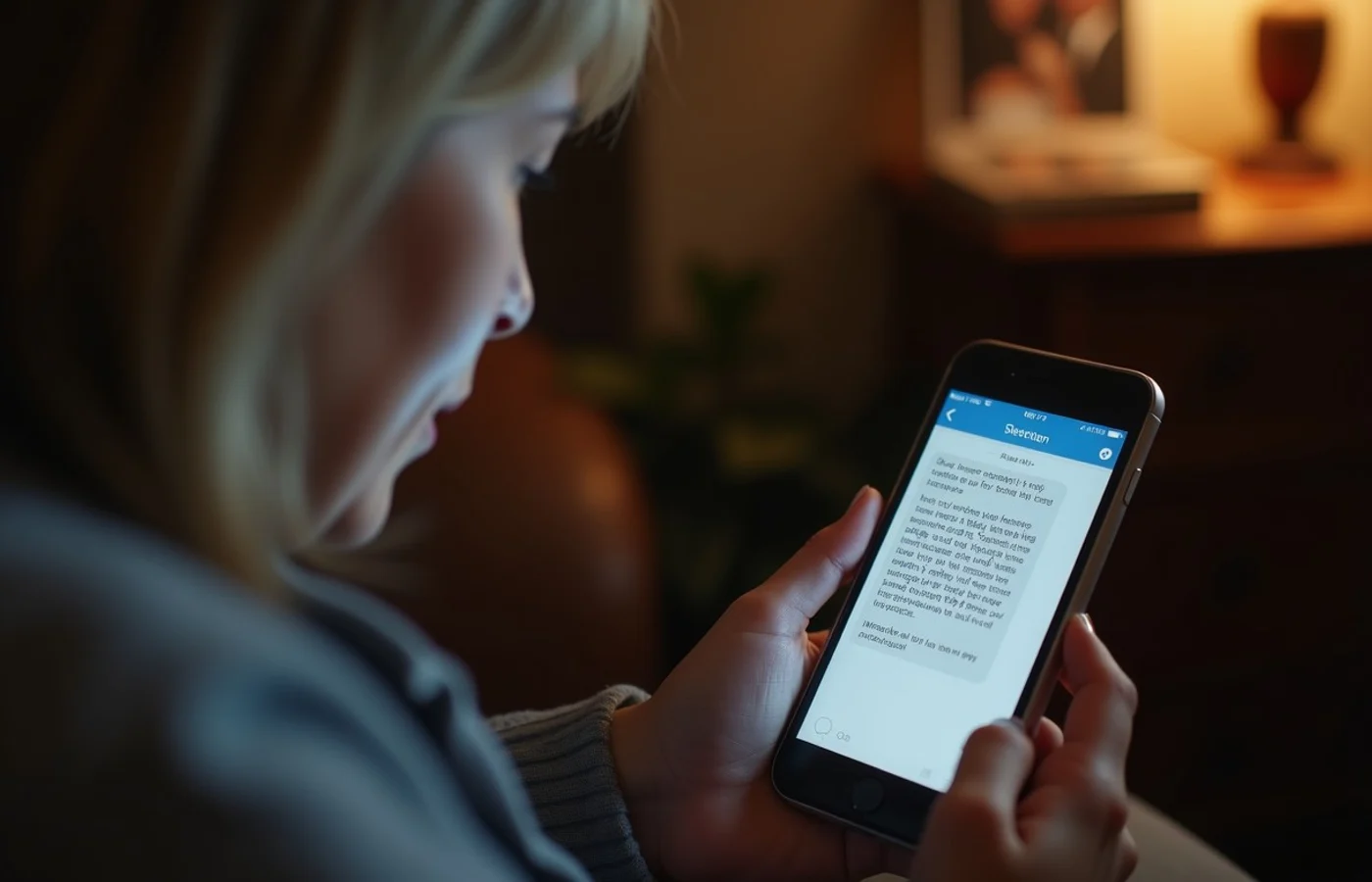
Grief gives a dishonest person an opening for fast intimacy. They may claim a nearly identical loss, describe a future together after only a few exchanges, or insist that the dating site is too impersonal and push the conversation to private text, email, or another app. A shared-loss claim proves nothing.
The risk turns sharper when the conversation reaches money, documents, or family records. Never send money or gifts to an online romantic interest you have not met in person. Keep a late spouse’s full name, estate details, home address, insurance information, and adult children’s names out of early exchanges. Someone who reacts badly to that limit has answered the safety question for you.
Signs a platform takes member protection seriously
- Inspection Point: Safety and reporting documentation Stronger Sign: The help pages explain how blocking works, what behavior is reportable, and where a member sends a report. Warning Sign: Safety claims appear on promotional pages, while the reporting route is hard to find or poorly explained.
- Inspection Point: Moderation policy Stronger Sign: The service describes prohibited conduct such as impersonation, harassment, fraud, and solicitation, along with what happens after a report. Warning Sign: The policy relies on broad promises about community standards without naming enforcement or escalation.
- Inspection Point: Recent app-store history Stronger Sign: Version notes show changes to data-sharing, abuse reporting, account controls, or security. Warning Sign: A polished profile screen becomes the main sales point while current safety information remains absent.
After a match presses for intimacy soon after bereavement
Fast declarations of devotion create an awkward choice: slow the exchange and risk disappointing a stranger, or disclose more than feels right to keep the warmth going. The first option is safer. Keep messages inside the dating service, decline requests for financial help, and leave bereavement details general until trust has a firmer basis.
Save screenshots of requests for money, personal documents, passwords, or a move off-platform. Someone willing to follow your pace does not need your private phone number, family history, or financial circumstances to continue a conversation. Anger, guilt, or repeated demands after a clear limit warrant a block and report, not an attempt to solve a misunderstanding.
Privacy controls for bereavement details and family information

A profile field has a long shelf life. A full surname, a memorial photo, the name of a late spouse, or a child’s workplace can connect a dating profile to public records and social accounts. Dating platforms vary widely in how much control they offer over profile discovery, location display, photo access, contact syncing, and who can send a message.
During setup, inspect whether location appears as a broad area or a precise distance, whether your profile appears outside the service, and whether the app requests access to your contacts. A broad metro area is usually enough for early browsing. Use photos that do not show a house number, a family member, a gravesite, or a recognizable workplace.
A strong account setup limits public identification while letting you participate: use a first name, general location, separate dating email, and photos selected for the dating account. Keep family history off a searchable profile until you decide to share it.
What identity and photo verification actually indicate
Verification badges invite a lazy conclusion: badge equals safe person. They do not. Depending on the service, a badge may denote a selfie comparison, an identity-document check, a liveness step, or another internal process. Each service’s current explanation defines what its badge means; the icon alone does not.
Even a thorough identity check says little about honesty, relationship status, financial motives, or conduct once a conversation begins. It cannot ensure that profile photos still show the person’s current appearance. Background screening, where offered, also has limits and should not replace basic caution.
A verified-only filter narrows results according to the site’s stated definition. Leaving the filter off creates a wider pool but adds more uncertainty. In either case, protect your personal details, keep early communication on the service, and use the block and report controls when someone becomes coercive or asks for money.
Broad platforms provide scale, while widow-focused sites provide context
Match and eharmony serve a general dating audience. OurTime and SilverSingles focus on singles over 50, while Widows or Widowers is explicitly intended for people who have lost a spouse. This changes the conversation context: a widow-focused service indicates that bereavement is already understood, while a broad service includes people with many life histories and dating intentions.
A stated audience does not show how many members are active, and a niche community does not ensure better protection. Compare each site’s current safety pages, profile-discovery settings, and reporting routes. Be more skeptical of a smaller service with vague moderation than of a broader one that plainly explains what members can block, report, and delete.
Compare reporting tools before creating an account
Before registration, open the report flow. You should be able to reach it from a profile and a message without continuing to speak with the member involved. Check for categories covering impersonation, financial solicitation, harassment, sexual coercion, and requests to move off-platform. A vague “other” box is a thin substitute for clear categories.
The service should explain whether screenshots, message records, or other details can accompany a report and whether the reported person learns who filed it. Read what it says about response timing, temporary restrictions, and appeals. No dating site can promise an immediate outcome, but silence about the process gives a prospective member little basis for trust.
Account deletion matters too. Find the route for removing a profile, withdrawing permission for contact access, and ending marketing messages. Safety documentation should also name a route for urgent escalation when an account threatens, extorts, impersonates, or targets someone for money. A site that hides these basics is not worth handing your photos and personal history.
Questions that often come up
Should I link my dating profile to social media?
Usually, no. Linked social accounts can expose a wider photo history, friends, relatives, workplace clues, and public comments. A separate dating email and unlinked profile keep the account from becoming a shortcut into the rest of your life.
Why might a reverse-image search fail to identify a fake profile?
A search may return nothing when the image is new, cropped, altered, private, or absent from indexed pages. A result that looks clean does not authenticate the account. It is only one limited check.
Shortlist one or two services after their current help pages show how blocking, reporting, evidence submission, data controls, and deletion work. OurTime, SilverSingles, Match, eharmony, and Widows or Widowers differ in audience, but the key point is simpler: use the site that lets you manage your information and leave a bad interaction through a clearly documented route.
Where the factual details come from
- Widows or Widowers — official information — Widows or Widowers
- OurTime — official information — OurTime
- SilverSingles — official information — SilverSingles
- eharmony — official information — eharmony
- Match — official information — Match
- Federal Trade Commission: What To Know About Romance Scams — Federal Trade Commission