A Baton Rouge professional may spot a colleague, client, former classmate, or friend of a friend after only a few swipes. That overlap is why account controls deserve attention before the profile goes live. Compare an app's visibility, location display, verification process, blocking, reporting, and notification settings before you begin matching; those features do more to limit unwanted exposure than a polished bio ever will.
Published by Dating Online
Safety controls reduce exposure but cannot establish that every match is trustworthy

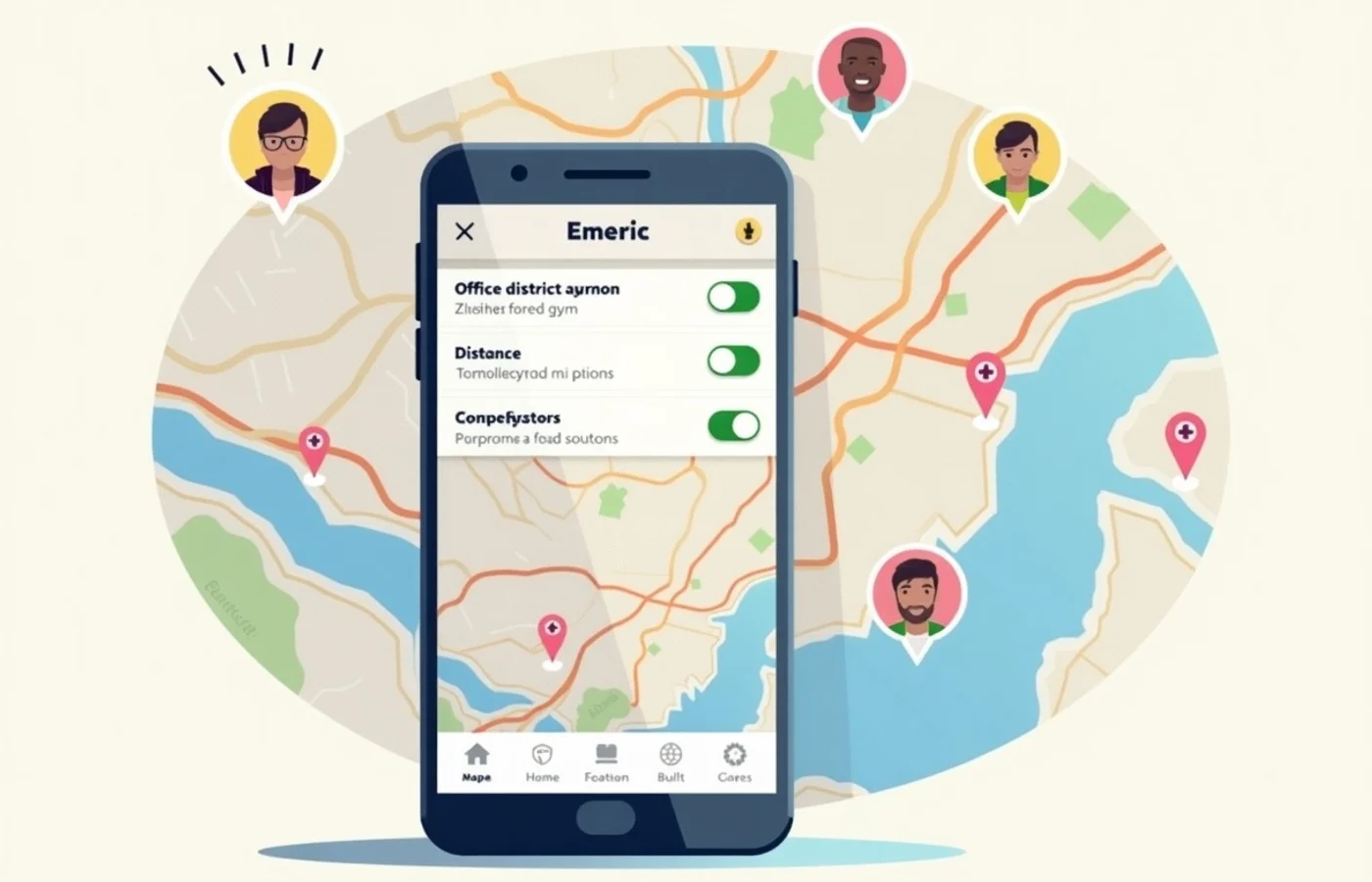
Dating-app controls limit who sees your profile and what they learn from it. A hidden or limited-discovery mode reduces casual exposure, a broad location setting avoids broadcasting a familiar block, and muted notification previews keep names and messages off a lock screen. Blocking removes one account from your view, while reporting gives the platform a record to review.
Those controls have firm limits. A verification badge usually speaks only to the app's chosen check, not to someone's job title, relationship status, intentions, or conduct away from the app. Reports are important, yet a report does not erase a message already received or guarantee a particular moderation outcome. Treat app tools as exposure controls, not proof of character.
When professional and dating networks overlap in Baton Rouge
A short commute between downtown offices, the LSU area, and nearby neighborhoods narrows the social distance between work and dating. In Baton Rouge, a professional-focused app with a smaller local pool may surface familiar faces quickly, especially when profiles display employer names, graduate schools, professional associations, or precise distance. That is not automatically a reason to avoid the app. It is a reason to see what it reveals before attaching your full work identity.
Assess local activity with a restrained profile: use a broad field such as health care, education, law, or business; name an interest without naming a workplace; and set distance wide enough to avoid pinning you to an office corridor. Look at whether the visible profiles fit the kind of connection you seek before sharing more. A profile that says "Downtown Baton Rouge" tells a stranger far less than one that identifies an employer, building, and usual after-work stop. Keep the same restraint in photo backgrounds, calendar screenshots, and linked social accounts.
Current evidence for app features and policies
| What To Check | The App'S Current Settings Screen And Dated Official Help Page For Profile Discovery, Incognito Modes, And Distance Display. | Official Help Pages And The Verification Consent Screen. | Official Safety Policy, Reporting Flow, And Help Page. | Current Subscription Disclosure And Privacy Policy. |
|---|---|---|---|---|
| Visibility and discovery settings | A hidden profile or a broad area setting has value only when the setting works for your account and location. | |||
| Verification scope | The process may involve a selfie, video, ID, or no identity document at all. Read what the badge actually represents. | |||
| Blocking and reports | Confirm that blocking is available from a profile and a conversation, and see what information a report requests. | |||
| Subscription and data terms | Some discovery or filtering controls may sit behind a paid tier, while account data handling belongs in the policy. |
More identity assurance can require sharing more personal data
Verification creates a real trade. An app that requests a live selfie or identity document may make impersonation harder, but it also asks you to place more sensitive material with that company. Read the consent language before submitting it: what is collected, how long it is retained, whether it is used for verification alone, and how deletion works. Skip a service whose explanation leaves those questions unanswered.
Visibility settings create a separate trade. A highly filtered profile, precise distance, public employer field, and social-account connection may attract matches who share your professional world while exposing more of that world to strangers. A broader job description, neighborhood-level location, and no contact syncing give up some targeting while reducing that exposure. Blocking and reporting remain essential backstops, but neither substitutes for choosing what never appears on the profile in the first place.
Configure privacy controls before you begin matching
- Set profile visibility to the least public option that still supports the kind of browsing you want. Review whether people outside your chosen discovery settings can see you.
- Use a broad Baton Rouge area or a larger distance band when the app permits it. Avoid a setting that reveals an exact distance from home or work.
- Decline contact uploads unless you have read how the app uses them. Remove already-synced contacts through the account settings when that option is offered.
- Hide message text and match names from lock-screen notifications. Work phones and shared screens deserve the same setting.
- Read the verification request before providing a selfie, video, or document. Use the option only when its data terms meet your standard.
- Find the block and report controls before matching. Check whether the app lets you report a profile, a message, and off-platform coercion separately.
For a Baton Rouge professional, the strongest app choice is the one that lets you limit workplace clues, soften location details, understand verification, and reach blocking and reporting tools without a scavenger hunt. No badge settles whether a match is trustworthy. Your account setup determines how much of your work life enters the dating pool before a conversation even begins.