
For Black singles in Corpus Christi, a safer dating app states its blocking, reporting, messaging, location, and enforcement controls plainly before a match goes wrong. Check those details in the app’s help center and account settings; identity badges or local-community branding alone say little about how racial harassment will be handled.
Published by Dating Online
Safer app selection begins with controls users can inspect
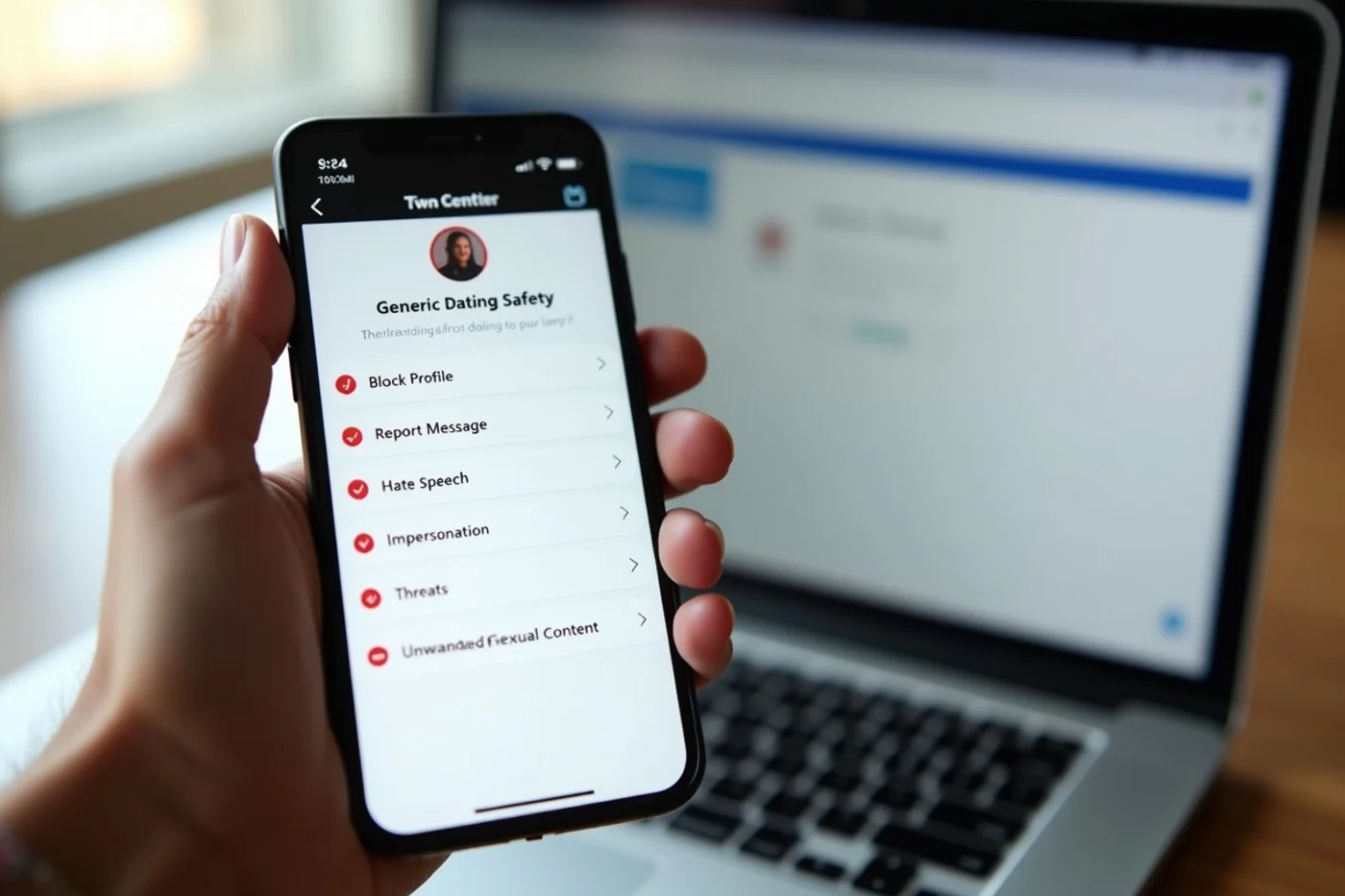
Account and message screens should offer a direct way to block a profile and report a message, even after a match ends. Check for categories covering harassment, hate speech, unwanted sexual content, impersonation, and threats. The instructions should say what follows a report, how urgent reports are handled, and whether the reported account is restricted during review.
Check message permissions before discovery begins. Settings that limit requests, hide a profile from selected people, pause discovery, or restrict contact after a block let you limit exposure. Put an app lower on your list if it promotes safety while burying these functions, leaving them unexplained, or withholding them until registration. The clearest documentation links each control to an enforcement process instead of offering a general promise about community conduct.
Weak responses to racial harassment reveal a moderation gap
The clearest warning is a conduct policy that names harassment in broad terms but never addresses racial abuse, slurs, fetishizing messages, or discriminatory exclusion. A reporting form with no category for hate or identity-based abuse creates another obstacle: the user has to force a serious complaint into an ill-fitting menu. That design does not prove that reports are ignored, but it gives the platform less precise information and gives the reporter less confidence that the complaint was understood.
Detailed enforcement information involves a trade-off. Public explanations of account warnings, removals, appeals, and repeat violations let users see whether the service addresses abuse seriously. A platform still cannot disclose another member’s case details. Reject an app when it offers neither a clear protected-conduct policy nor a plain description of possible actions, even if its local Corpus Christi match pool looks appealing.
After a match pressures you to leave the app immediately
Moving a conversation to text, social media, or private messaging removes the dating platform’s reporting route and account record. Someone pushing for that move before basic trust develops is asking you to give up controls meant for early contact. The request alone does not establish bad intent, but ignoring your preference leaves you with fewer ways to report harassment, block an account, or preserve relevant messages in the service.
Keep the conversation in the app until the connection warrants more of your time and personal details. A brief voice or video check through an available platform feature adds context, but cannot verify character or intentions. If someone keeps pushing after you decline, end the exchange, block the account, and report the conduct through the original match or message screen.
Corpus Christi location and discovery privacy
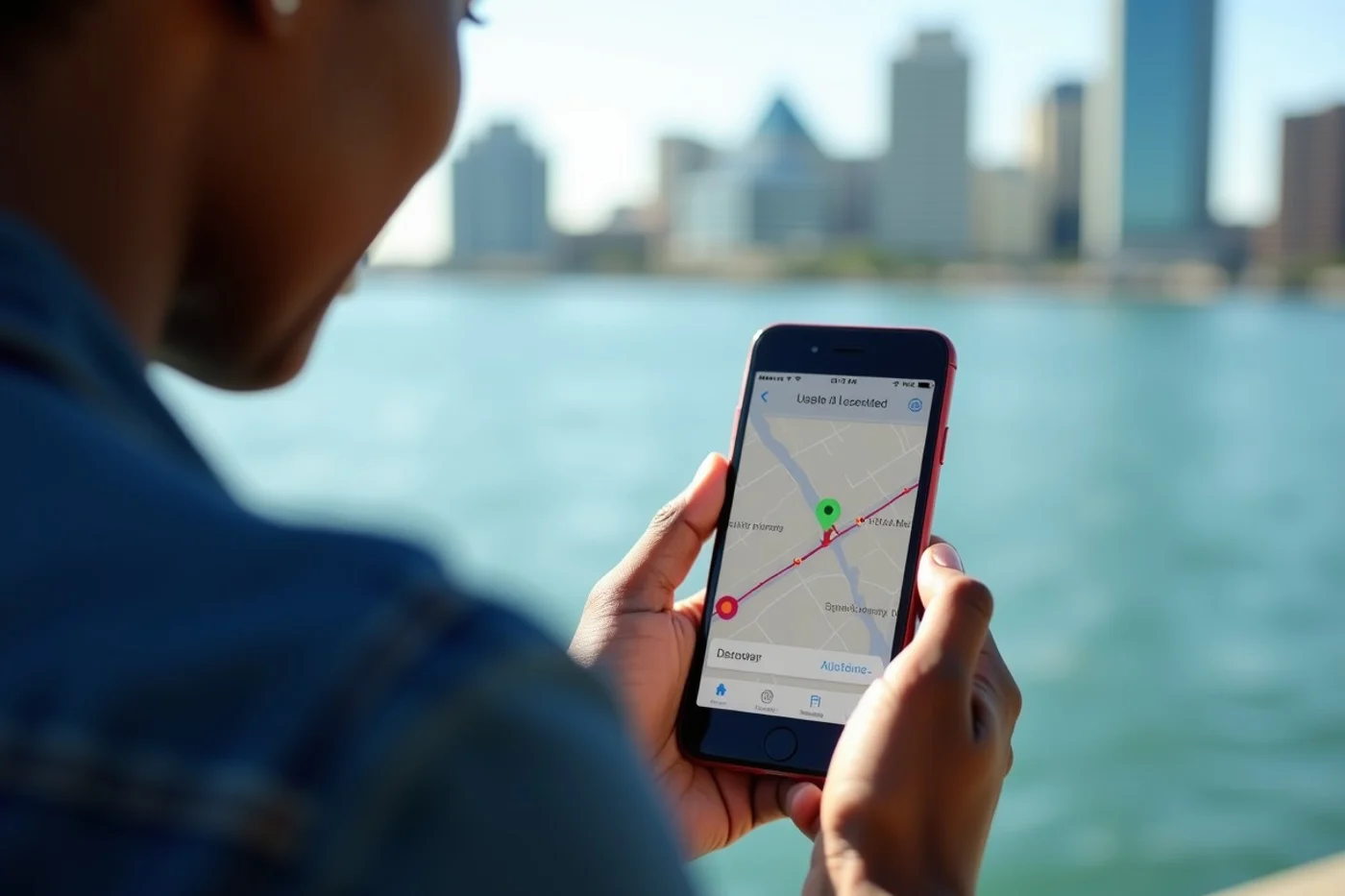
Distance precision deserves attention in Corpus Christi, where an exact mileage display can narrow down where someone lives, works, or spends time. Select an approximate distance setting when offered, review whether your profile remains discoverable while you browse, and deny contact syncing unless you understand its purpose. Check whether the app lets you pause discovery, hide your distance, or remove a connected contact list.
Local visibility can help you meet people within a practical travel range, while increasing recognition by coworkers, relatives, or neighbors. What matters is whether you can control that exposure. For dating in Corpus Christi, avoid an app that requires exact location details or keeps discovery active after you pause your account.
Verify safety claims through documented sources
- Read the help-center pages for blocking, reporting, account review, appeals, and urgent complaints. Confirm that the controls apply to messages, matches, and profiles.
- Read the data-use disclosure for precise distance, location data, contact syncing, discoverability, retention, and deletion. Note which settings you control.
- Find moderation or community-conduct documentation. Look for rules addressing racial harassment and an explanation of possible enforcement actions.
- Review the app-store update history for changes to reporting, verification, location, or account controls. Check the current in-app settings after installing.
- Search independent reporting from established consumer, technology, or civil-rights outlets for documented complaints and responses. A “safe” or “inclusive” promotional label remains unverified until the underlying controls are clear.
Identity-aware features help, but they do not prove safety
Filters for Black singles and other identity options improve discovery because they let members state whom they want to meet. They do not tell you whether a match understands or respects the people behind those categories. Community branding has the same limit: it describes the service’s intended audience, not the conduct of every account or the quality of enforcement.
Verification badges also answer a narrow question defined by the platform. They do not establish a match’s intentions, confirm every profile detail, or guarantee fair treatment after a report. Read what the badge checks, when the check occurred, and what remains outside it. For a Corpus Christi search, inclusive discovery tools belong in the comparison, while blocking, reporting, location controls, and documented responses to racial harassment should decide whether the app earns your trust.
A safer choice for dating in Corpus Christi comes from inspectable controls, not a badge, slogan, or identity label. Read the rules, test the settings before filling out a profile, and keep early conversations inside the service’s reporting and blocking system. When racial harassment is poorly defined or enforcement is left unexplained, the app has failed an important test before you have met anyone.